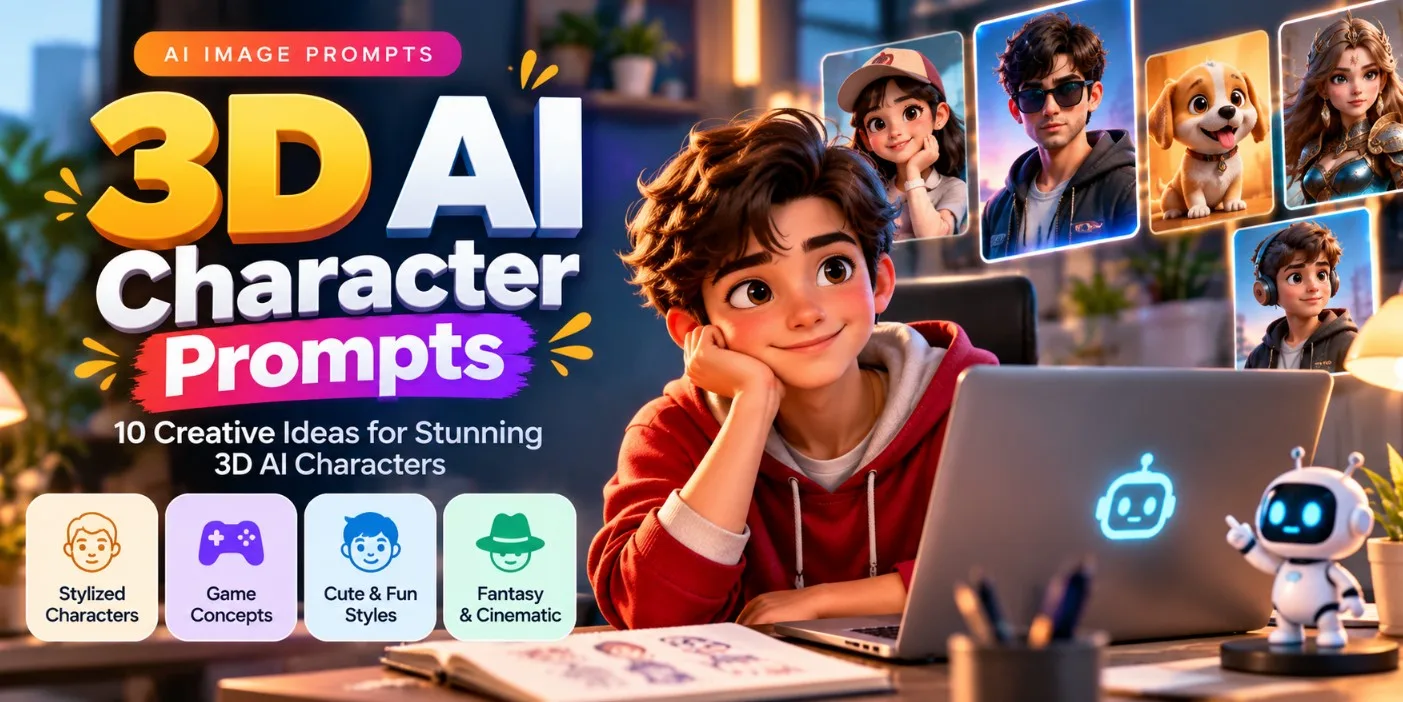
How to Create 3D AI Characters Using ChatGPT: 10 Prompts
Creating 3D AI characters is a fun way to explore cartoon design, gaming avatars, cute mascots, fantasy heroes, and creative digital artwork. With ChatGPT, you can turn a simple idea into a detailed image prompt that describes the character's appearance, clothing, expression, pose, lighting, and background.
You do not need professional 3D modeling skills to get started. You can use ChatGPT to develop your character concept and then use a compatible AI image generator to create the visual result.
In this guide, you will learn how to create 3D AI characters using ChatGPT, discover 10 ready-to-use prompts, and explore practical techniques for improving your results.
What Is a 3D AI Character?
A 3D AI character is a digitally generated character designed to look three-dimensional, with visible depth, volume, lighting, materials, and realistic or stylized surface details.
Examples include:
• Cute cartoon characters with expressive faces.
• 3D mascots for brands and creative projects.
• Fantasy heroes and imaginative creatures.
• Gaming avatars and futuristic characters.
• Stylized animals and friendly robot characters.
Some AI tools generate finished images that look like 3D renders rather than editable 3D models. If you need an actual 3D asset for animation or a game engine, check whether your chosen tool supports mesh or 3D model export.
How Does ChatGPT Help You Create 3D AI Characters?
ChatGPT can help you develop a character idea, organize visual details, write image-generation prompts, and refine instructions when the first result is not what you expected.
For example, you could start with the simple idea "a cute robot character." ChatGPT can expand that idea into a more detailed prompt describing its body shape, materials, eyes, accessories, pose, lighting, and background.
You can then copy the prompt into an image generator that supports your preferred style.
The workflow is simple:
1. Choose the type of character you want.
2. Ask ChatGPT to develop the idea into a detailed prompt.
3. Copy the prompt into a compatible image generator.
4. Review the generated image.
5. Ask ChatGPT to refine the prompt based on what needs improvement.
ChatGPT's image-generation capabilities may also be available directly in your ChatGPT experience, depending on the tools and features available to your account.
Step 1: Choose Your Character Concept
Start with one clear idea instead of describing too many unrelated elements.
For example, choose a cute robot, a fantasy warrior, a cartoon student, or a friendly animal mascot.
Tell ChatGPT who the character is, what style you want, and where you intend to use the image.
**Example request for ChatGPT:**
"Help me design a cute 3D cartoon robot for a creative website. Give it a unique silhouette, expressive blue eyes, a friendly personality, and a clean futuristic design. Write a detailed image-generation prompt with professional lighting and a simple background."
ChatGPT can turn this idea into a structured prompt that is easier to customize.
Step 2: Describe the Character's Appearance
A strong character prompt explains the details that make the character visually recognizable.
Consider including:
• **Face:** Eye shape, expression, eyebrows, and mouth.
• **Body:** Proportions, silhouette, and posture.
• **Clothing:** Outfit, materials, colors, and accessories.
• **Style:** Stylized 3D, toy-like render, cinematic fantasy, or polished animation-inspired artwork.
• **Pose:** Standing, sitting, running, waving, or holding an object.
You do not need to describe every detail. Focus on the features that matter most to your concept.
Step 3: Add 3D Rendering Details
To encourage a three-dimensional appearance, describe the lighting, materials, depth, and rendering style.
Useful instructions include:
• Soft studio lighting.
• Realistic surface materials.
• Detailed textures.
• Natural contact shadows.
• Smooth but well-defined shapes.
• Clear separation between the character and background.
• A polished 3D-rendered appearance.
Remember that adding words such as "8K" or "ultra HD" does not guarantee higher image quality. Clear visual instructions and careful review are more useful.
Step 4: Use These 10 ChatGPT 3D Character Prompts
The following prompts are ready to copy into a compatible image generator. You can also ask ChatGPT to customize them for a different color palette, pose, setting, or character style.
### 1. Cute 3D Cartoon Boy
**Prompt:**
Create a charming stylized 3D cartoon character of a cheerful young boy with expressive brown eyes, soft wavy hair, rounded facial features, and a friendly smile. He wears a red hoodie, dark blue jeans, and clean white sneakers. Give him appealing character proportions, detailed fabric textures, soft studio lighting, subtle contact shadows, and a polished animated-film-inspired 3D render. Place him against a simple light-blue background with a clean composition. Show the complete character from head to toe.
**Best for:** Cartoon concepts, character collections, and creative profile artwork.
### 2. Adorable 3D Robot Mascot
**Prompt:**
Design an original friendly 3D robot mascot with a compact rounded body, a glossy white shell, turquoise accent panels, expressive digital eyes, and small articulated arms. Give the robot a cheerful personality and a distinctive silhouette. Use realistic plastic and brushed-metal materials, soft studio lighting, subtle reflections, and detailed joints. Place the character on a clean pale background with a gentle floor shadow. Create a polished commercial 3D render suitable for a technology brand concept.
**Best for:** Technology mascots, website visuals, and branding concepts.
### 3. Cute 3D Animal Character
**Prompt:**
Create a lovable stylized 3D golden retriever puppy character with large expressive eyes, soft golden fur, floppy ears, and a joyful expression. The puppy wears a small blue bandana and sits naturally with its head slightly tilted. Show detailed fur, believable paws, soft directional lighting, realistic surface shading, and gentle contact shadows. Use a clean pastel-green background and a polished toy-like 3D rendering style. Keep the character centered and clearly visible.
**Best for:** Pet-themed artwork, children's creative projects, and mascot ideas.
### 4. 3D Fantasy Warrior
**Prompt:**
Create an original fantasy warrior character in a polished cinematic 3D style. The warrior wears intricately designed silver armor with deep-blue fabric accents, engraved shoulder plates, leather straps, and a flowing cape. Give the character a confident expression, realistic armor materials, detailed surface textures, and a strong but natural stance. Use dramatic studio lighting with controlled highlights and subtle atmospheric depth. Place the warrior against a dark neutral background to emphasize the silhouette and armor details.
**Best for:** Fantasy concepts, game-character inspiration, and storytelling artwork.
### 5. 3D Anime-Inspired Hero
**Prompt:**
Design an original anime-inspired 3D hero with expressive eyes, stylized spiky dark hair, a futuristic blue jacket, and distinctive glowing wrist accessories. Use a carefully balanced combination of stylized facial proportions and three-dimensional shading. Include detailed clothing folds, soft rim lighting, polished materials, and a confident action-ready pose. Place the character against a clean purple-and-blue gradient background. Create a high-quality stylized 3D render with clear facial details and a distinctive original design.
**Best for:** Avatar concepts, gaming-inspired artwork, and digital character collections.
### 6. 3D Girl Character With a Creative Outfit
**Prompt:**
Create a charming stylized 3D cartoon character of a young adult woman with expressive eyes, shoulder-length curly hair, and a warm confident smile. She wears a modern lavender jacket, a white top, fitted trousers, and simple sneakers. Add subtle accessories, realistic fabric textures, carefully styled hair, and appealing character proportions. Use soft studio lighting, gentle shadows, and a polished 3D animation aesthetic. Show the full character against a warm cream background with enough negative space around the figure.
**Best for:** Lifestyle character concepts, creative portfolios, and avatar designs.
### 7. Futuristic 3D Cyberpunk Character
**Prompt:**
Generate an original futuristic 3D character wearing a charcoal technical jacket with subtle neon-cyan accents, utility straps, and sleek futuristic accessories. Give the character a focused expression and a distinctive silhouette. Use detailed textile materials, realistic metallic components, controlled neon reflections, and cinematic blue-and-magenta lighting. Add a softly detailed futuristic city background while keeping the character clearly separated from the environment. Create a sophisticated science-fiction 3D render with balanced contrast and crisp visual details.
**Best for:** Science-fiction artwork, gaming concepts, and futuristic character collections.
### 8. 3D Chef Mascot
**Prompt:**
Create a friendly 3D chef mascot with a rounded face, expressive eyes, a bright smile, a clean white chef hat, and a double-breasted chef jacket. Give the character a welcoming pose while holding a wooden spoon. Use realistic fabric textures, subtle stitching, soft studio lighting, and a polished stylized 3D-rendering aesthetic. Add a simple warm cream background with a subtle shadow beneath the character. Keep the design clean, memorable, and suitable for a food brand concept.
**Best for:** Restaurant branding concepts, food blogs, and culinary mascots.
### 9. 3D Space Explorer
**Prompt:**
Design an original 3D space explorer character wearing a detailed white-and-orange astronaut suit, a transparent helmet visor, and compact exploration equipment. Give the character a curious, adventurous expression visible through the visor. Include realistic fabric panels, small fasteners, metallic connectors, subtle glass reflections, and carefully controlled highlights. Use cool studio lighting with a soft blue background and a polished cinematic 3D-rendering style. Show the complete character with believable proportions and a clear silhouette.
**Best for:** Space-themed illustrations, educational concepts, and science-fiction projects.
### 10. Premium 3D Collectible Toy Character
**Prompt:**
Create an original premium collectible toy character with a distinctive rounded silhouette, a playful expression, oversized sneakers, and a stylish streetwear outfit. Use a matte vinyl material with carefully placed glossy accents, clean sculpted details, realistic surface reflections, and soft studio shadows. Display the character standing on a simple circular pedestal against a muted pastel background. Use professional product-render lighting and a polished commercial 3D aesthetic. Keep the design original and avoid copying existing branded characters.
**Best for:** Toy-design inspiration, collectible concepts, and product visualization.
Step 5: Ask ChatGPT to Improve Your Prompt
If your first image looks too simple, tell ChatGPT exactly which details need improvement.
Try this reusable instruction:
"Improve the following 3D AI character prompt. Make the character design more distinctive, clarify the facial expression, describe the materials and lighting, and improve the background composition. Keep the concept original and avoid unnecessary visual details. Return one polished image-generation prompt that I can copy directly into an AI image generator."
You can also request focused edits:
• Make the clothing textures more detailed.
• Change the background without changing the character concept.
• Use softer studio lighting.
• Make the character look more toy-like.
• Create a full-body composition.
• Simplify the design for a mascot logo concept.
Changing one or two important elements at a time makes it easier to evaluate the results.
Step 6: How to Maintain a Consistent Character
If you want several images featuring the same character, consistency becomes important.
Start by creating a character description that records the essential visual features.
For example:
**Character reference sheet**
• Hair: Short, wavy brown hair.
• Eyes: Large brown eyes.
• Outfit: Red hoodie, dark jeans, white sneakers.
• Style: Stylized 3D cartoon.
• Proportions: Slightly oversized head and expressive face.
• Colors: Red, navy blue, and white.
Reuse these details in later prompts and provide the original image as a reference if your image generator supports it.
For stronger consistency, ask the tool to preserve the character's key features while changing only the pose, background, or lighting. However, the results may still vary between generations.
Step 7: Common Mistakes to Avoid
### Giving vague instructions
"Make a cool 3D character" does not explain the desired appearance or style.
**Better approach:** Describe the character's silhouette, clothing, expression, materials, and lighting.
### Mixing too many visual styles
Combining realistic human anatomy, flat vector art, clay animation, and metallic robot styling in one prompt can produce an inconsistent result.
**Better approach:** Choose one main rendering style and use supporting details that match it.
### Forgetting the background
A busy background can distract from the character.
**Better approach:** Use a simple studio background for character showcases or describe a detailed environment when it supports the concept.
### Expecting a 3D model from a rendered image
A 3D-looking image is not automatically an editable 3D model.
**Better approach:** If you need a model for animation or a game, choose a tool that explicitly supports 3D asset generation or conversion.
### Ignoring the final output
Generated images may contain distorted hands, inconsistent accessories, or unexpected details.
**Better approach:** Inspect the image carefully and refine the prompt before using it in a published project.
Frequently Asked Questions
### Can ChatGPT create 3D AI characters?
ChatGPT can help develop character ideas and write prompts. Depending on the available features, it may also generate images directly. The result is usually a rendered image unless a tool specifically supports editable 3D models.
### How do I create a 3D character using GPT?
Describe your character's appearance, clothing, expression, pose, materials, lighting, and background. Ask GPT to organize those details into a clear image prompt, then use the prompt with a compatible image generator.
### Can I use these prompts with Gemini?
Yes. You can adapt the prompts for Gemini and other image-generation tools that support text-based image creation. The results may differ depending on the tool.
### How can I create the same character in different poses?
Keep a consistent character description and use the original generated image as a reference if the tool supports reference-image input. Change the pose or background while explicitly asking the tool to preserve the important character features.
### Can I use AI-generated characters commercially?
Commercial usage depends on the image generator's terms, your rights to any reference images, and applicable laws or restrictions. Review the relevant terms before using generated characters in advertising, client projects, or products for sale.
Final Thoughts
Creating 3D AI characters with ChatGPT starts with a clear idea and a well-structured prompt. By describing the character's appearance, materials, lighting, pose, and background, you can develop a more useful starting point for image generation.
Try the 10 prompts in this guide, customize them for your preferred style, and refine the results based on what you see. With practice, you can build original character concepts for creative projects, mascots, avatars, and digital artwork.
Explore more AI image prompts and practical tutorials on Promptzyra to continue improving your creative workflow.